
Apple’s latest mobile operating system, iOS 26, is here, and it’s bringing the biggest visual redesign to the iPhone in years. Dubbed the “Liquid Glass” update, this new version goes far beyond a simple aesthetic overhaul. It introduces a suite of intelligent features and performance enhancements that aim to make your iPhone more fluid, personal, and intuitive than ever before.
What is the “Liquid Glass” Design?
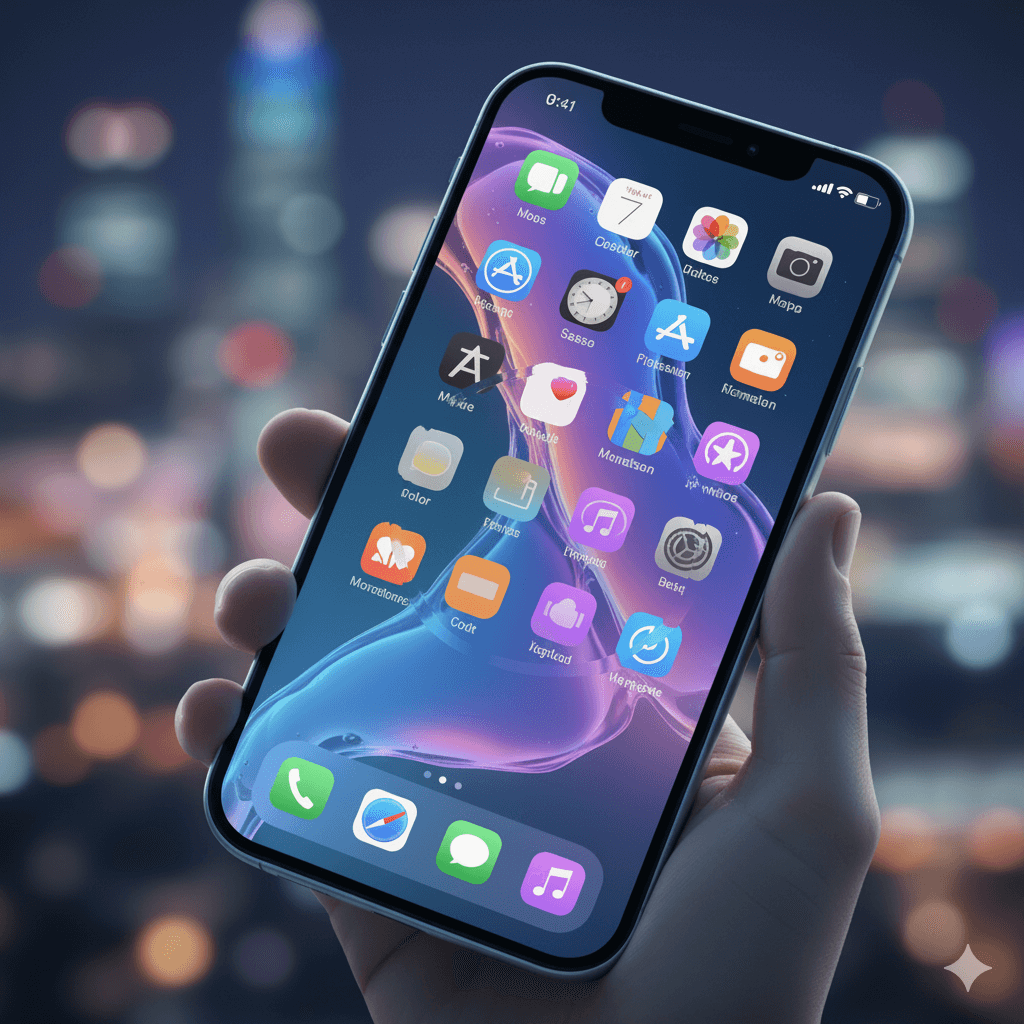
At the heart of iOS 26 is the “Liquid Glass” design language. This isn’t just a new theme; it’s a foundational change to the user interface. The new design gives apps, icons, and controls a translucent and semi-transparent appearance, with soft, rounded edges. The “liquid” element of the design is what makes it truly special—system elements react dynamically to your movements, giving a sense of depth and fluidity as if you were looking through a pane of frosted glass.
Key Features of iOS 26
While the new design is the most visible change, iOS 26 is packed with new features that will change how you use your iPhone.
- Apple Intelligence Integration: Artificial intelligence is now deeply woven into the OS. Live Translation can automatically convert text in Messages, provide captions during FaceTime calls, and even offer spoken translations in the Phone app. New Visual Intelligence tools allow you to interact directly with content on your screen, such as creating a calendar event from a photo of a flyer or turning a list in an email into a set of reminders.
- Enhanced Communication Tools: iOS 26 helps you take control of your communications. Call Screening automatically answers calls from unknown numbers and prompts the caller to state their name and purpose before the call connects to you. A new Hold Assist feature will wait on hold for you and alert you when an agent becomes available.
- Updated Apps: Many core Apple apps have been redesigned and improved.
- Photos now has a streamlined layout with a new bottom menu and customizable collections.
- Maps becomes smarter by learning your regular travel patterns and providing alerts about delays before you even start your journey.
- Apple Music features AutoMix, which blends songs together like a DJ set.
- A new Passwords app provides a centralized place to organize all your passwords and passkeys.
- Accessibility and Family Controls: Apple has added new accessibility features, including expanded Braille support and “Vehicle Motion Cues” designed to reduce motion sickness. Family management tools have also been strengthened, making it easier for parents to manage children’s accounts and set communication limits.
iOS 26 Release Date and Supported Devices
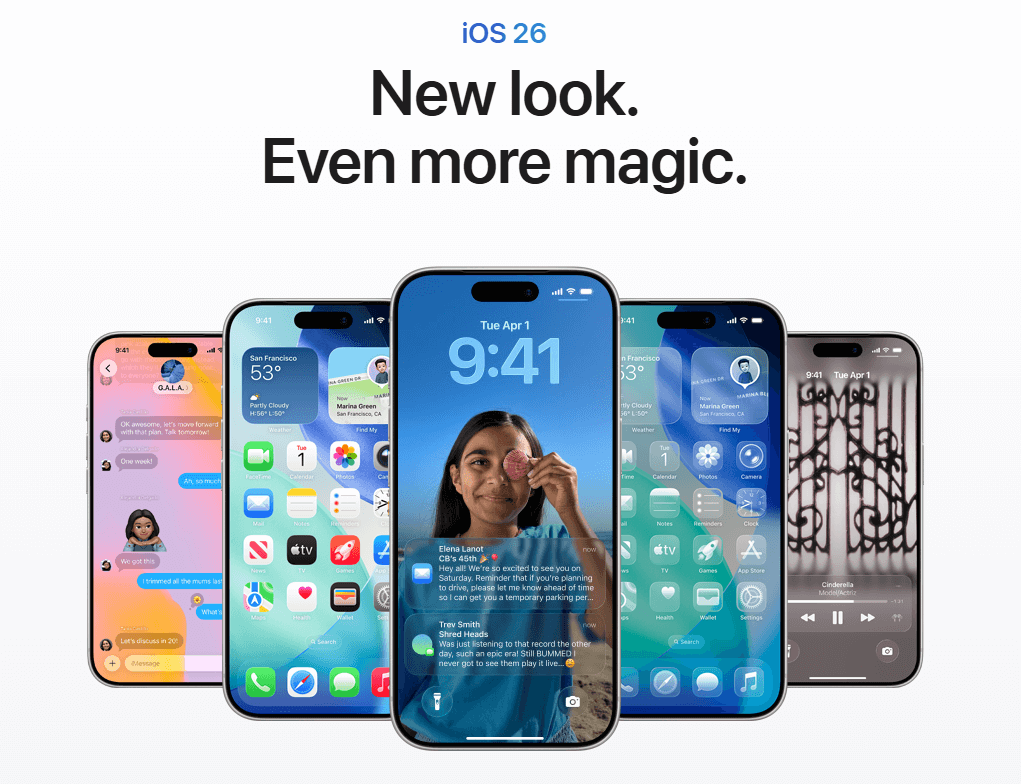
iOS 26 was officially released on September 15, 2025. It is a free update for all compatible devices.
Compatible iPhone models include:
- iPhone 11
- iPhone 12
- iPhone 13
- iPhone 14
- iPhone 15
- iPhone 16
- iPhone 17
- iPhone SE (2nd generation and later)
Please note that some of the advanced AI features, which fall under the Apple Intelligence umbrella, are limited to the iPhone 15 Pro, iPhone 15 Pro Max, and newer models due to the specific hardware requirements of the chips.
How to Download and Install iOS 26
Before you update, it is highly recommended to back up your iPhone to either iCloud or your computer.
- Navigate to Settings > General > Software Update.
- If the update is available for your device, tap Download and Install.
- Follow the on-screen prompts to complete the installation.
The process may take up to an hour depending on your internet connection and device.